----------------------------------------------------------------------
【Voltage Compatibility】
When using electrical appliances, please note that they are designed for Japanese voltage specifications (90-110V), so if you use them with a different voltage, it may cause a malfunction.
【Plug Type】
Our products use Japanese plug types (A or B type).
Please use a conversion adapter if necessary.
【Important Note on Transformers and Adapters】
A transformer adjusts voltage to match your device’s requirements.
A conversion adapter only changes the plug shape and does not adjust voltage.
Using only a conversion adapter without a transformer may result in damage to the product.
【Liability】
We are not responsible for malfunctions or damages caused by improper use, such as operating the product without a transformer.
----------------------------------------------------------------------
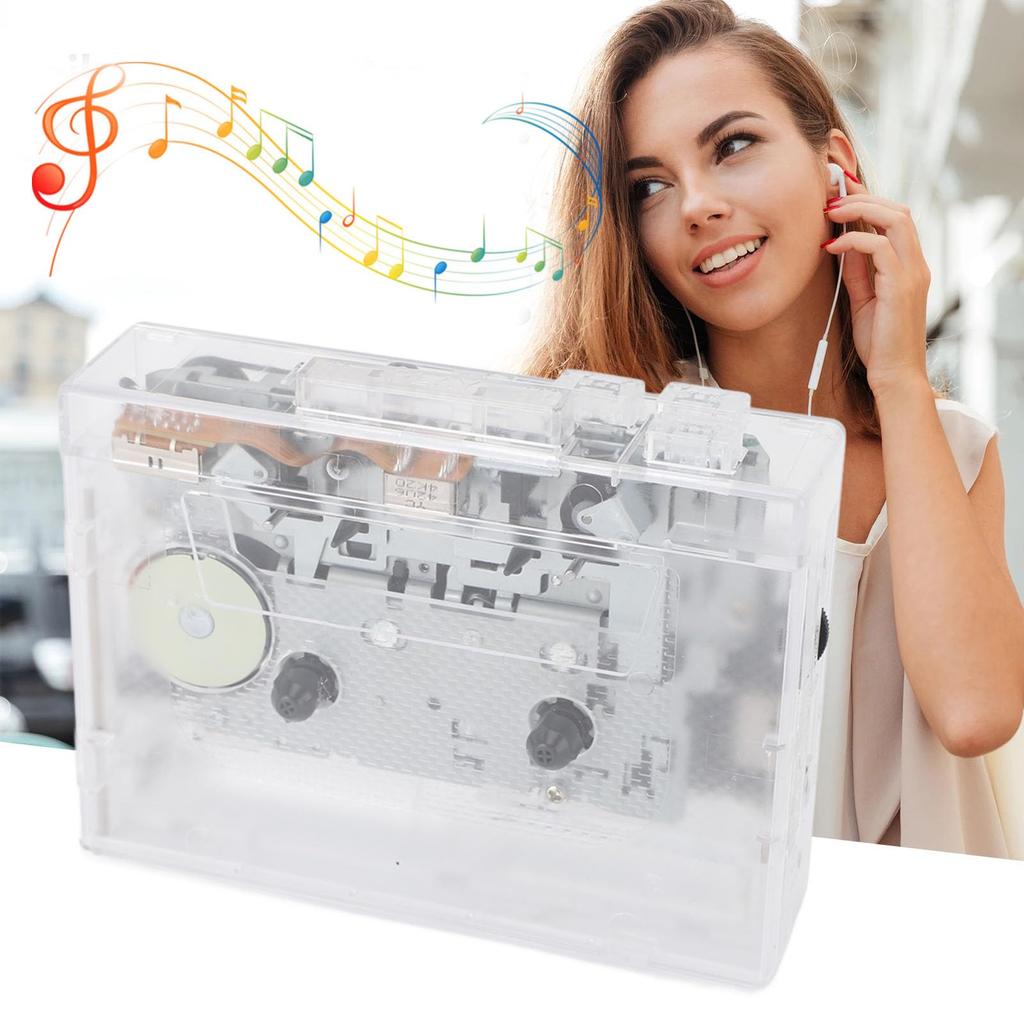
[Dual Function] With USB support, you can easily record your favorite audio from cassette tapes to MP3 format.
[Versatile Playback] Enjoy clear sound with 2-channel stereo, a headphone jack, and robust loudspeakers for a complete listening experience.
【Compact Design】With a portable size of 4.65 x 3.54 x 1.18 inches, it's easy to carry around for music lovers on the go.
[User-friendly operation] Functions such as play, fast forward, rewind, and auto-reverse make playback easy and efficient.
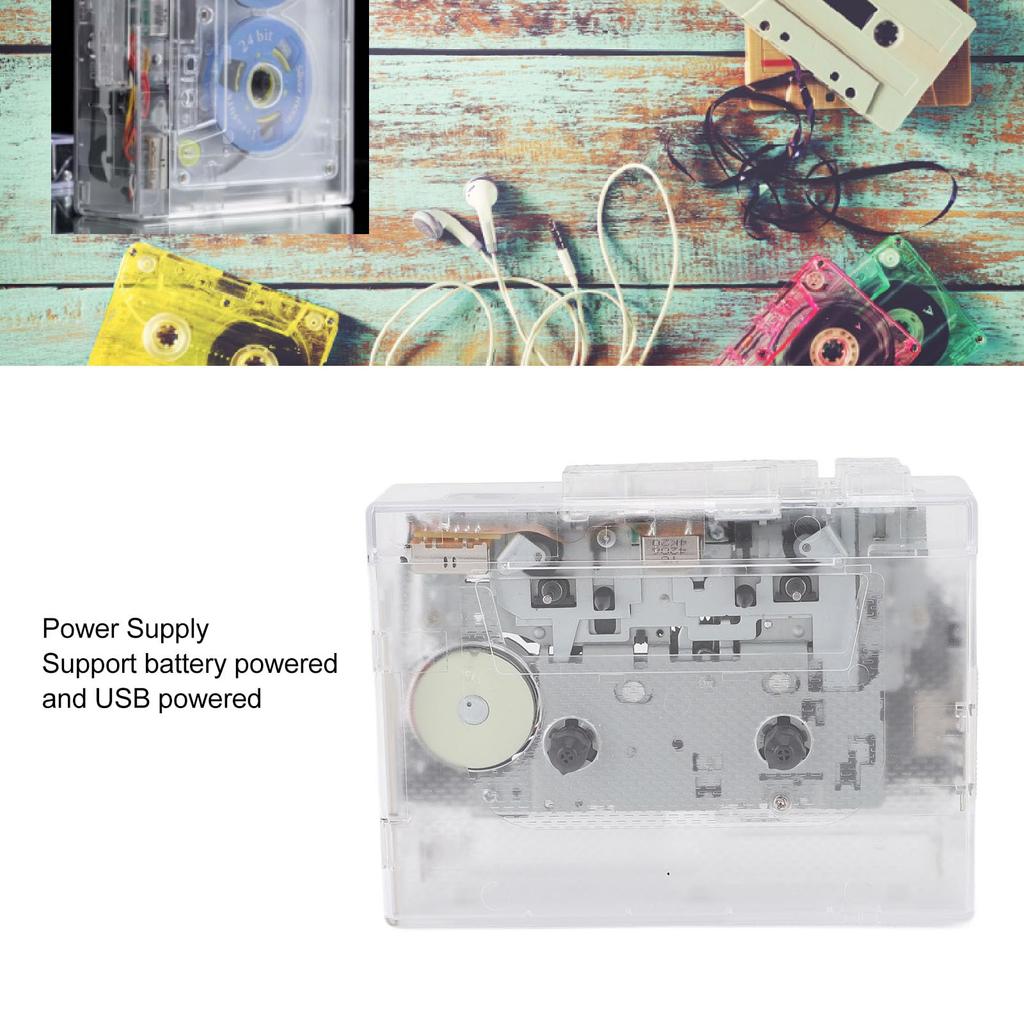
[Power Options] For versatile power supply during use, use two AA batteries or the included power cord.
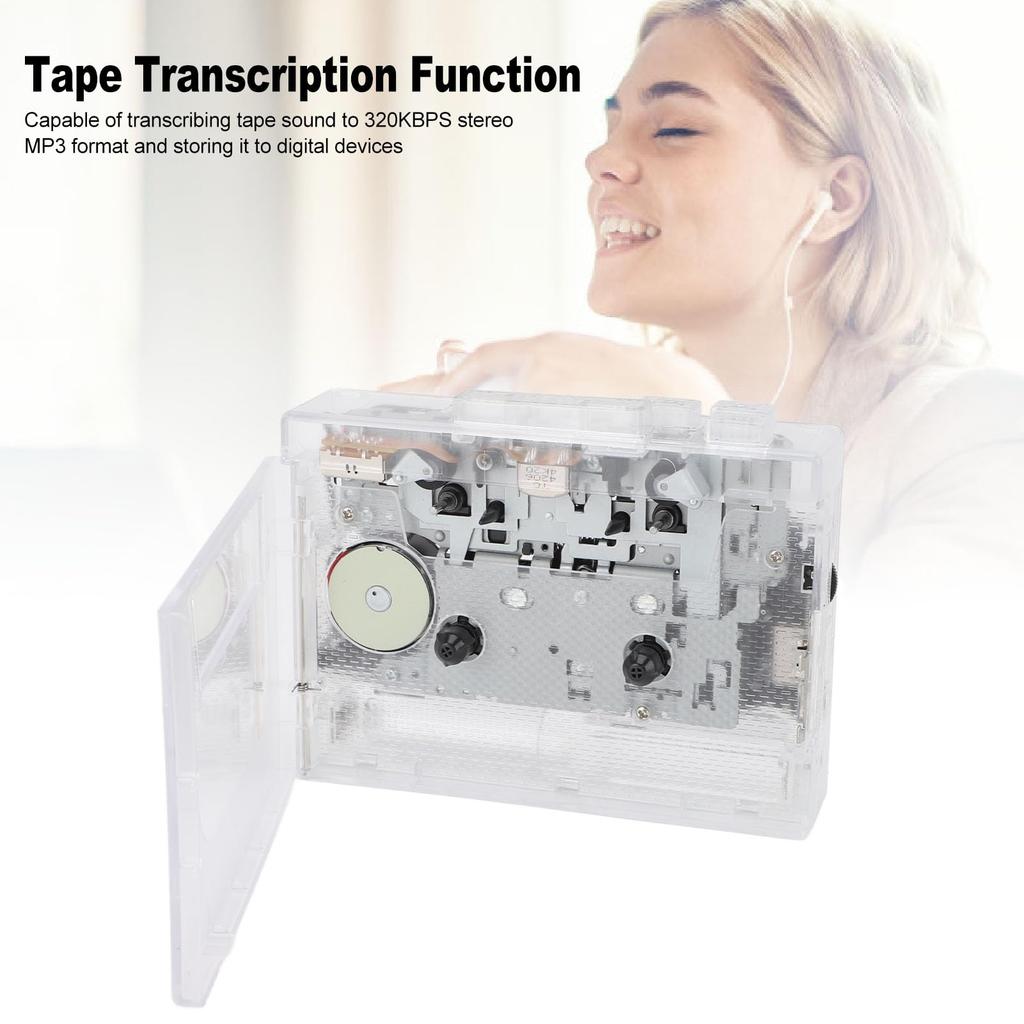
1. Comprehensive Sound Features: This portable cassette player combines classic tape functionality with the latest digital technology to meet diverse sound playback and recording needs, ensuring a complete sound experience. 2. Enhanced Tape Playback Features: Easily enjoy all your vintage tapes with play, fast forward, rewind, and auto-rewind functions, and easily access your favorite music and content from your cassette tapes. 3. Features: The cassette-to-digital converter with a USB port for direct MP3 playback offers a variety of digital sound options, expanding the possibilities of your music sources. 4. Built-in FM Radio Tuner: Enhance your entertainment with the built-in FM radio, receiving various broadcast channels and featuring a 3.5 mm jack for listening with headphones, perfect for any situation. 5. Cassette to Digital Conversion: Convert and save your precious cassette content in 320KBPS stereo MP3 format. Digitally preserve your recordings and keep them for years to come.
.
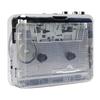
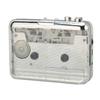
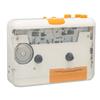
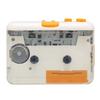
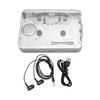
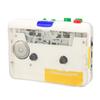
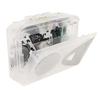
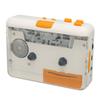
Specifications: Item Type: Portable Cassette Player Material: ABS Weight: Approx. 274.00g / 9.67oz Product Size: Approx. 118x90x30mm / 4.65x3.54x1.18 inches Color: Transparent Power Supply: 2 x AA batteries (not included) Power Supply: DC 5V Power Supply: Driven by power cord (power cord recommended) Output Current: Rated Power: Sound Format: 2-channel stereo Tape Speed: Standard 4.76 ± 5% Data Protocol: USB 2.0 Recording Rate: 128KBPS Storage Format: MP3 (WAV playback supported) LED Indicator: LED white light blue light Product Overview: This product is a tape player with USB recording function, supports playback, fast forward, rewind, auto reverse function, tape transfer, MP3 format stored on U disk, memory card, etc., no drivers required, one-key recording, supports playback of recorded MP3 files, 3.5 mm jack, external headphones for sound playback (3.5 mm round headphones are attached when shipped)
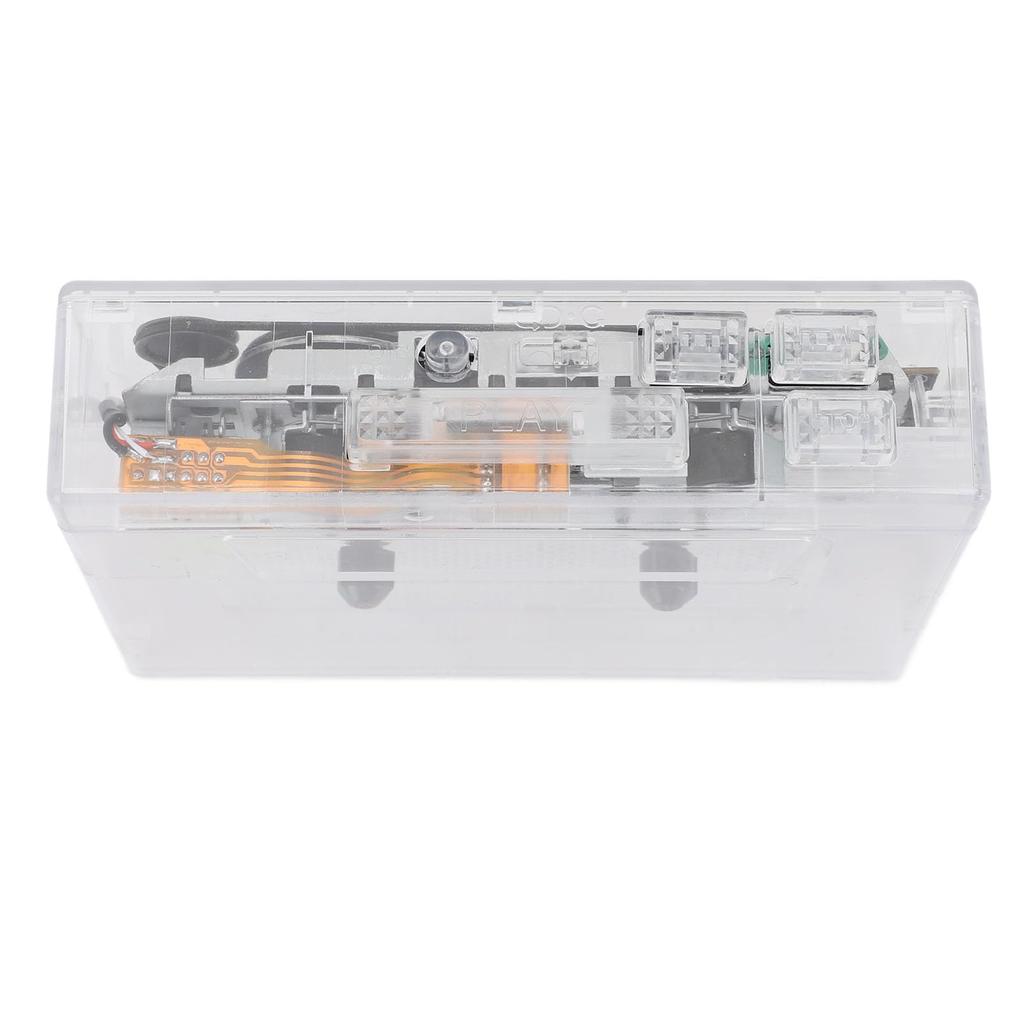
It does not support a built-in speaker or speakers (speakers are not included with shipment). Function introduction: 1. Play 2. Auto Reverse (DIR) 3. Playback Mode (Loop Mode) 4. Fast Forward (F.F) 5. Stop 6. Rewind (REW) 7. Volume Control Knob 8. USB Port (USB Disk) 9. Headphone Jack 10. Record/Playback 11. LED Indicator 12. Cover 13. Tape Speed Adjustment Hole 14. DC 5V Input LED Modes: Power On: White light illuminates for 2 seconds, then turns off. Standby: When a U disk is inserted, the white light illuminates for 2 seconds, then turns off. Recording: When the back button (playback/fast forward button) is briefly pressed, the white light illuminates. It flashes to start recording, and a brief press pauses recording. The white light remains constantly lit. Playback: Briefly press the second button (playback/fast forward button) to illuminate the blue light, then the blue light will blink to start playback. Briefly press it again to pause playback. The blue light will remain constantly illuminated. Function Description: Recording: Direct recording of audio signals Storage: Recording format: MP3 Playback
Audio: Supports MP3 and WAV Volume: Long press cycle adjustment Track selection: Not supported Sound quality description: This product is suitable for playing tape media and supports MP3 format tape transcription. The product does not come with external speakers. A 3.5mm interface is provided for external headphones or speakers. To ensure sound playback quality, please refer to the following: 1. When using this product for the first time, please play it for at least 30 minutes without a tape. 2. Due to the characteristics of the tape player's structure, background noise may occur when playing without a tape or when playing with an empty tape. This is a normal phenomenon. 3. Tape drives that have not been used for a long time require maintenance and attention to internal dust. Anhydrous alcohol can be reused to clean the heads and pulleys, and alcohol evaporation can be cleaned. 4. When not using the tape player for a long time, store it in a dry place. 5. Tape playback distortion and variation
Debugging is possible using the tool in the tape speed adjustment hole on the back of the tape deck. 6. Use high-quality tape. Low-quality tape is prone to magnetization and produces excessive noise during playback. 7. When using an unopened tape, press the fast-forward button to play the tape once or twice before playback. 8. Prolonged use of tape can cause distortion and changes in sound quality. Check if the tape is loose or if the magnetic powder on the tape has fallen off too badly. 9. When using AA batteries, the tape speed may slow down, the sound may change, or noise may occur when the battery level is low, so replace the batteries. 10. To improve sound quality, choose noise-canceling headphones or speakers. Notes: 1. Do not use batteries with insufficient power or reverse the polarity when using batteries. 2. Since there is no automatic stop function for fast-forward and rewind operations, you must press the stop button immediately after the tape ends to avoid damage to the motor, belt, and motherboard components. 3. Long
If not using for an extended period, remove the parts to avoid damage from prolonged exposure to debris and to prevent oxidation of the debris. 4. This machine has a precision structure and should not be placed in environments that are too cold or too hot and humid. Also, do not disassemble it or drop it forcefully. Troubleshooting: No sound, tape does not move: 1. Check if the input interface has good contact and if the power adapter is correct. 2. Check if the connector is installed incorrectly. Solution: 1. Use a 5V adapter and connect the USB connector. 2. Reinstall the connector. Sound quality is
How to Use: Tape Playback Method: 1. Headphone Jack: Insert headphones into the slot to enjoy music. 2. Volume Control: Adjust the volume using the volume control knob while music is playing. 3. Press the "DIR" button to automatically reverse the tape. 4. Press the "PLAY" button to play the tape. 5. Playback Mode: Select the action when the tape reaches the end of one side. Setting it to the loop mark will automatically reverse the direction and play the other side after one side is finished. Setting it to the single arrow mark will stop tape playback when one side is finished. 6. Press the "F.F" button to fast forward the tape. 7. Press the "REW" button to rewind the tape. 8. Press the "STOP" button to stop tape playback.
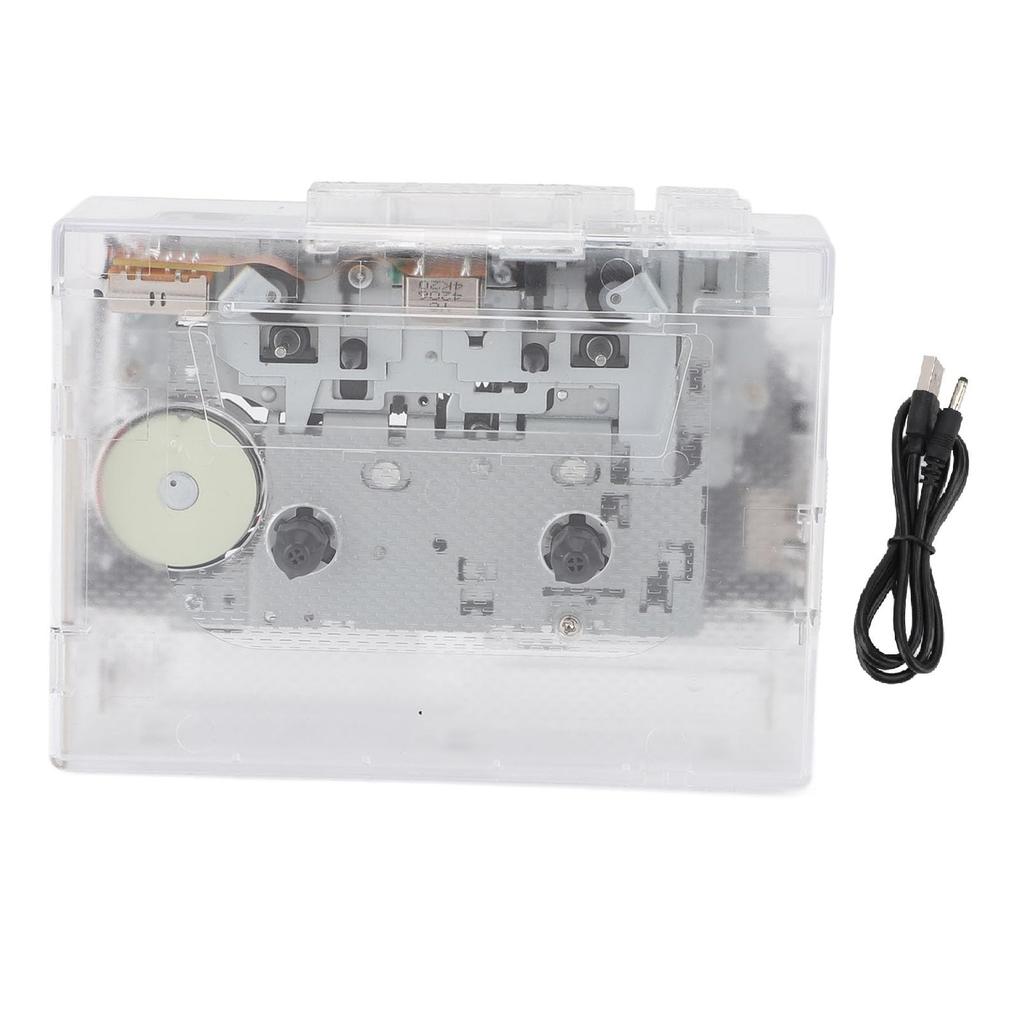
Package List: Power cord x 1, Cassette player x 1
Notice: 1. This product is powered by two 1.5V AA batteries and a power cord. When the battery level is low, the walking speed may slow down or the pitch of the sound may change. For long-term use, we recommend using the power cord. 2. The tape recorder is an analog sound device. During playback, some background noise may occur due to tape quality and environmental interference. Please try using genuine tapes. 3. When using the recording function, please use high-quality tape and note the format requirements of the U disk. This is very important for the recording effect. 4. When recording with the tape recorder, please use a power cord that is compatible with the power supply. 5. To prevent loss of recorded song data, please use a premium U disk or memory card for recording. 6. This tape recorder is a portable cassette player that does not have a 3.5mm headphone jack. You will need to use your own headphones. A speaker is not included, but it can be connected to an external speaker.
(Beakers are not included in the package.)






 Geld zurück bei Nichtlieferung

![Tragbarer Kassettenplayer Batteriebetrieben Inklusive Kompaktkassette USB-Kassette Kassettenband Stilvolles life_mart [USB & Kompatibel, Kopfhörer]](https://img.joomcdn.net/c38a3d2671d34ecdbce98cb4aab5a22c0bc11c26_100_100.jpeg)