ZOOM Zoom iQ7 Lightning Connected Stereo Microphone, iPhone iPad Compatible, Smartphone Recording, MS Method, Variable Directivity, Compact Video Shooting, Vlog Distribution, iOS 17 Compatible [Genuine Domestic Product/Manufacturer Extended Warranty 3 Years]
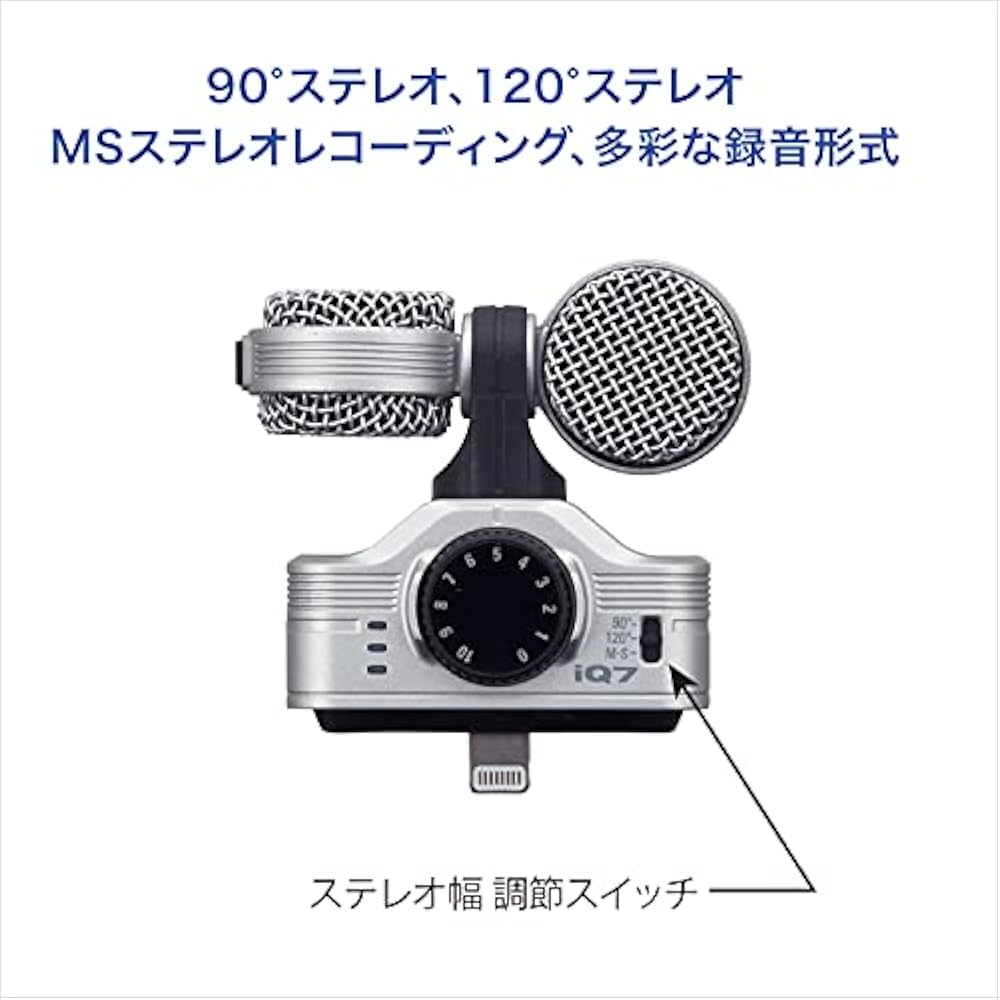
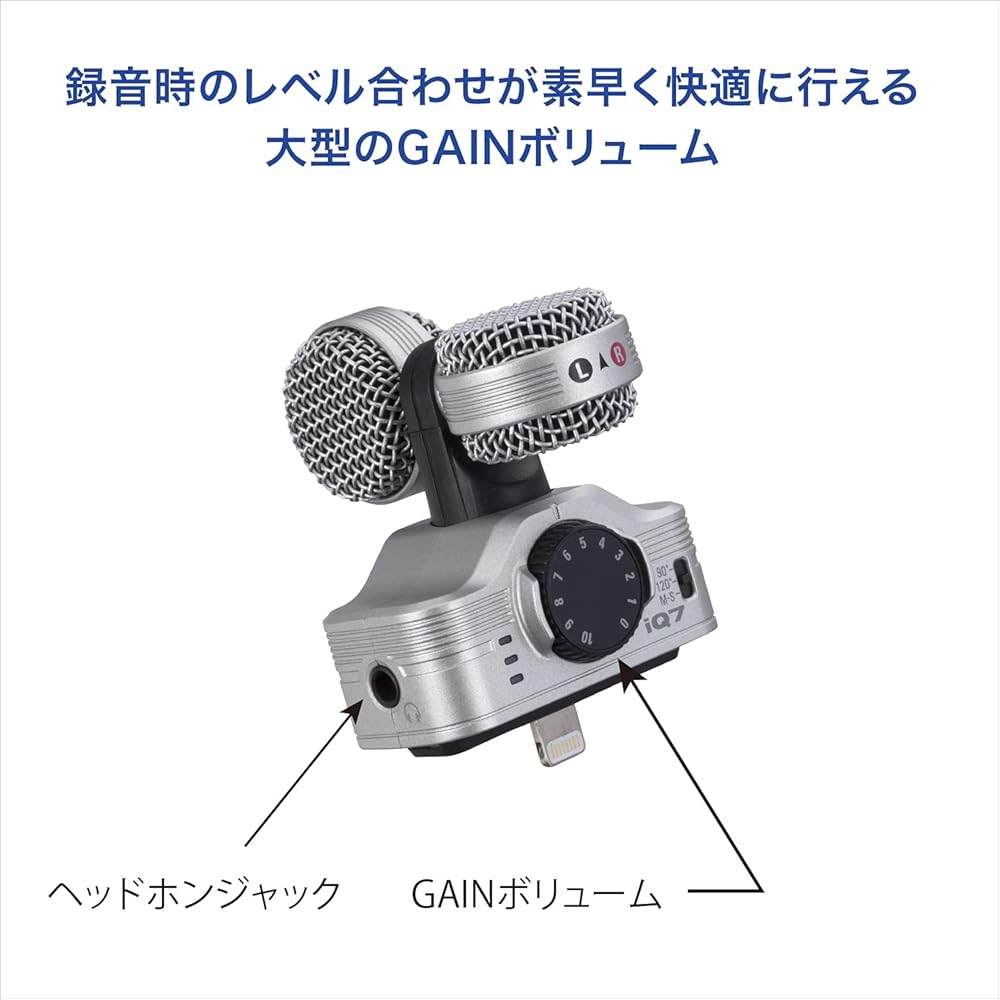
MS Stereo Condenser Microphone for Lightning Connector iOS Devices
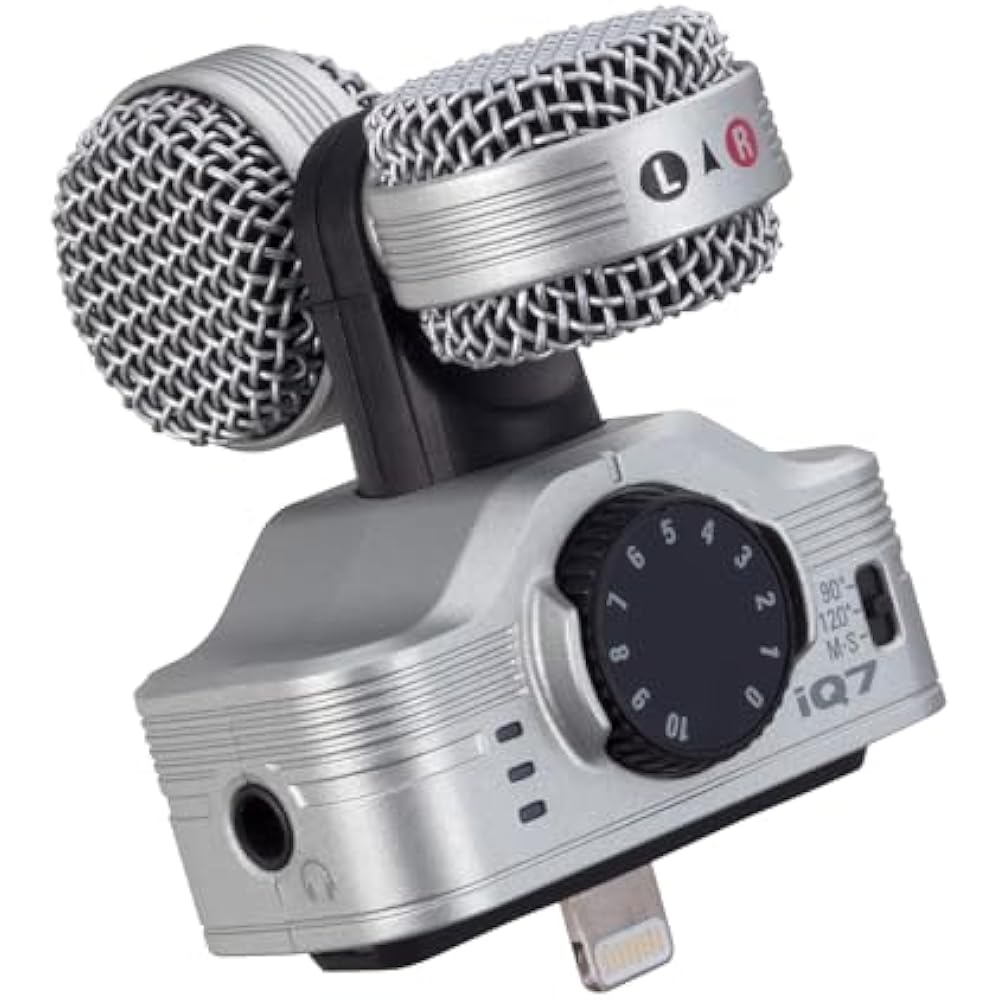
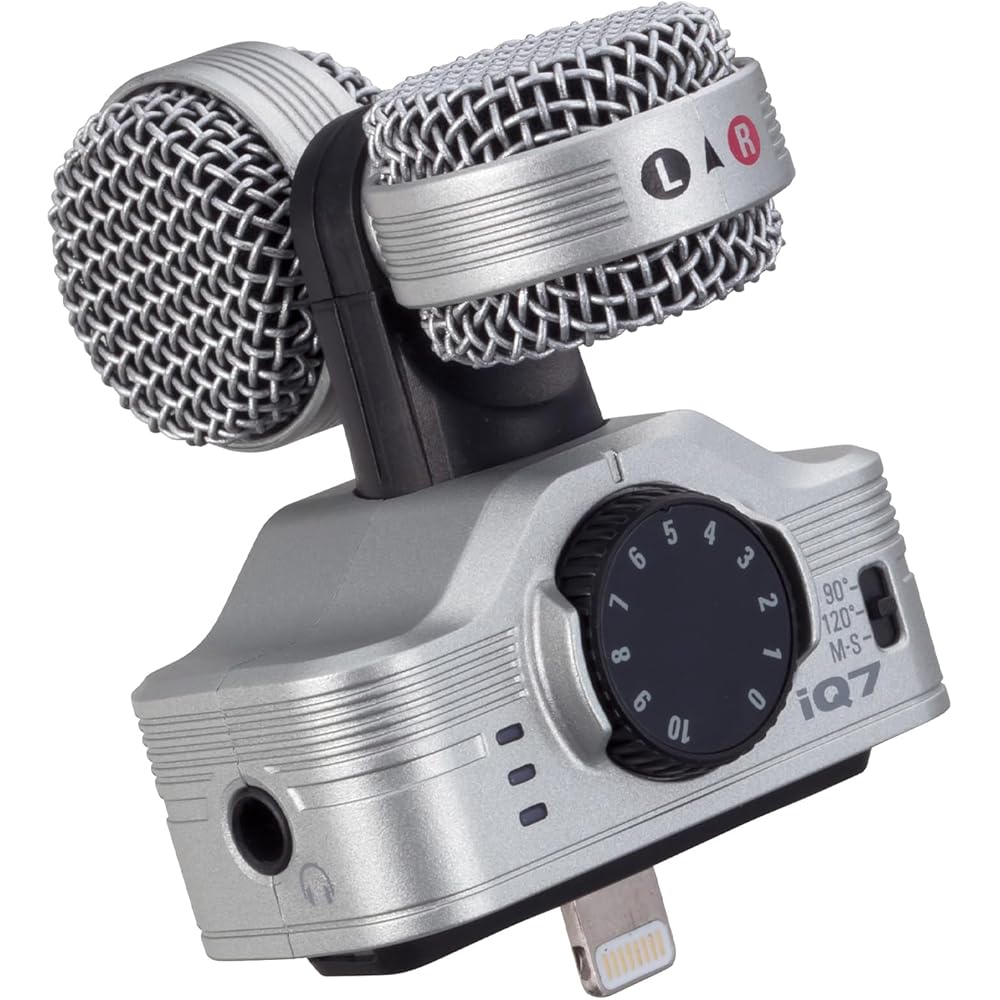
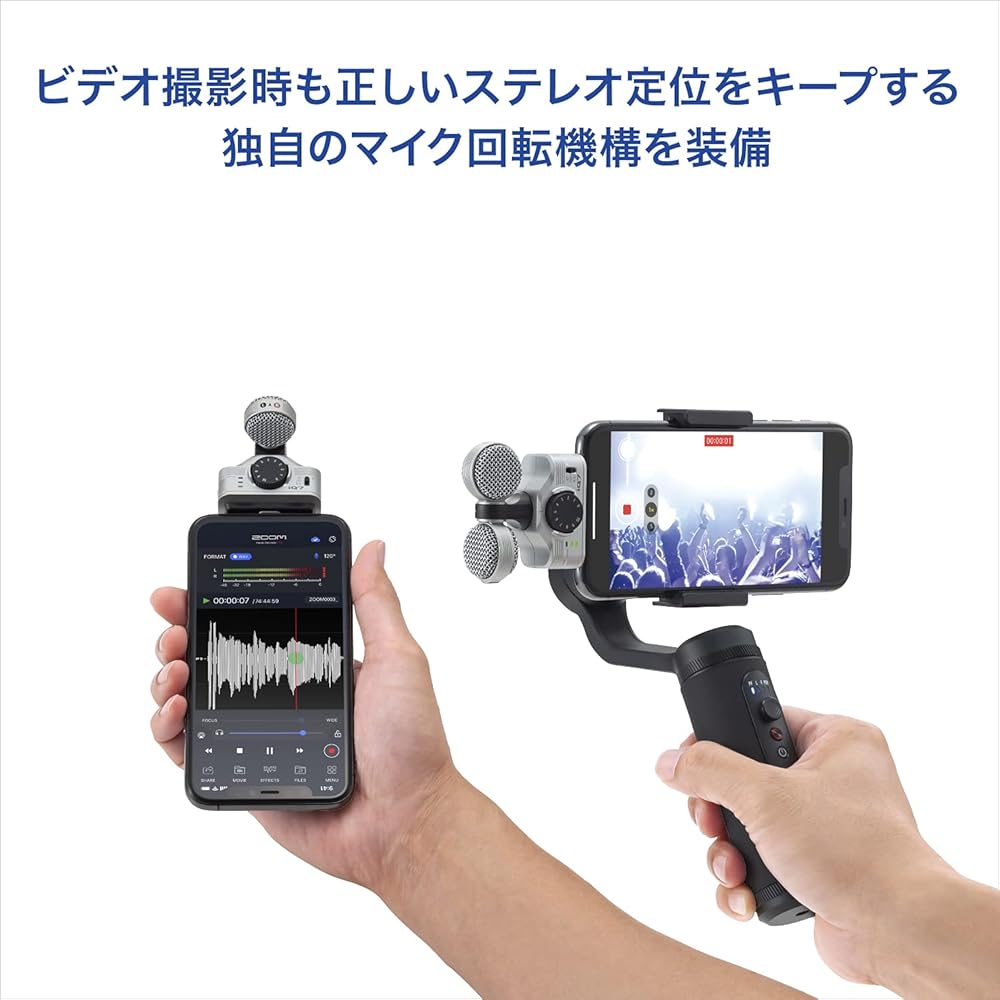
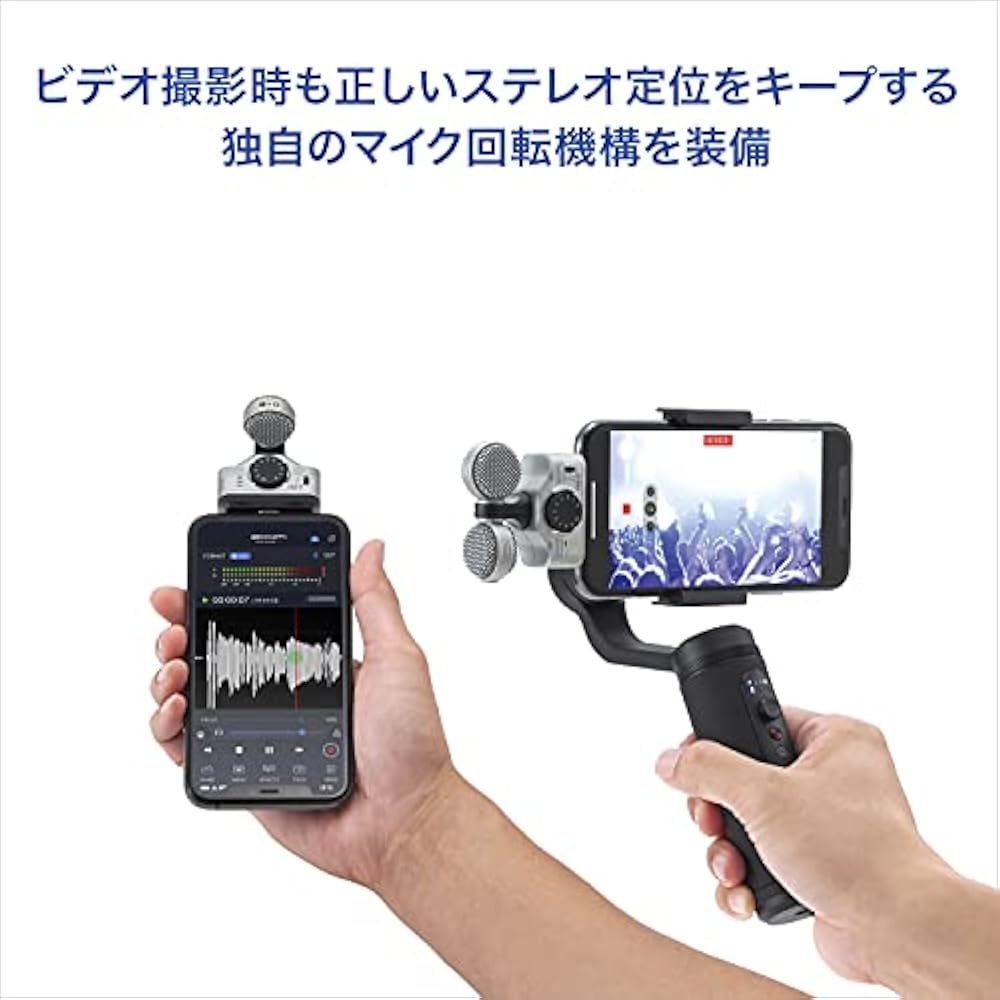
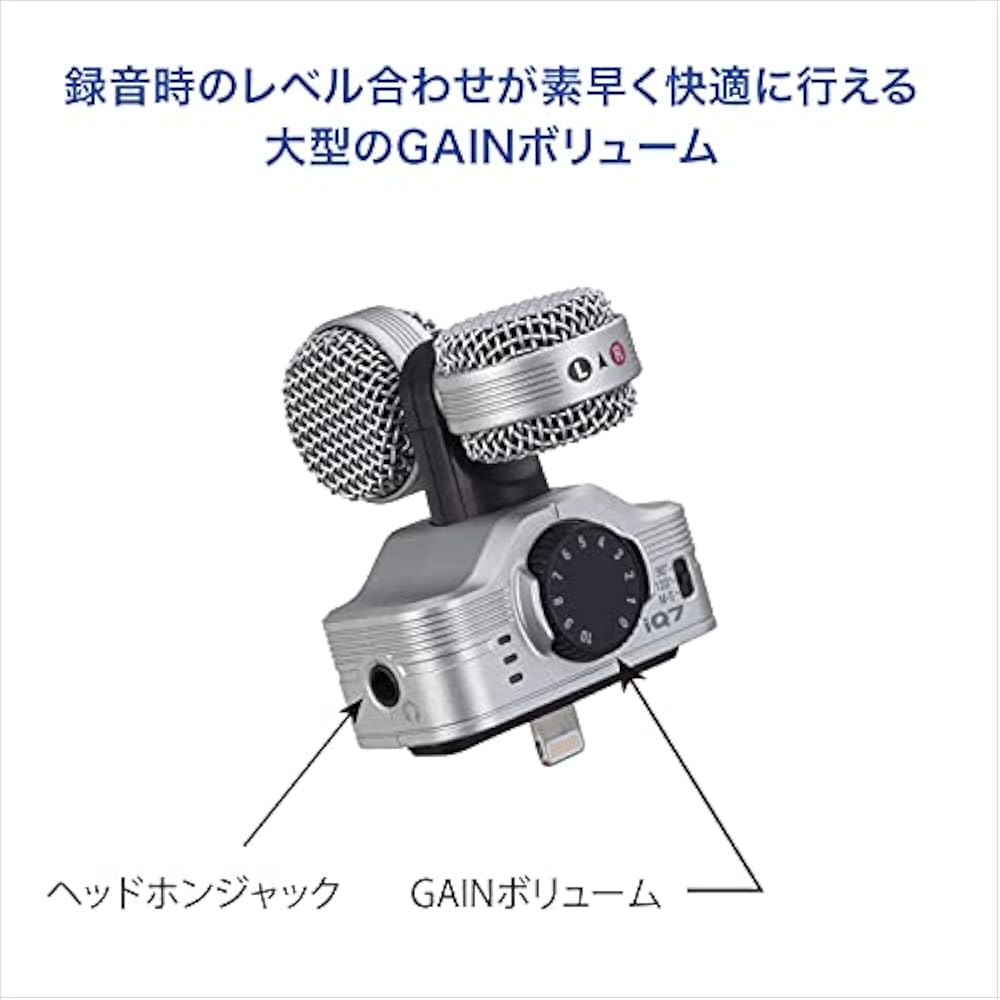
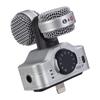
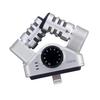
The MS stereo microphone, which can freely adjust the spread of the stereo sound image, is equipped with a unique microphone rotation mechanism that maintains correct stereo positioning even when shooting horizontally held videos.
Videos taken can be posted on SNS such as Instagram and Vine, and shared worldwide through video distribution services such as YouTube, Ustream, and Niconico Video.
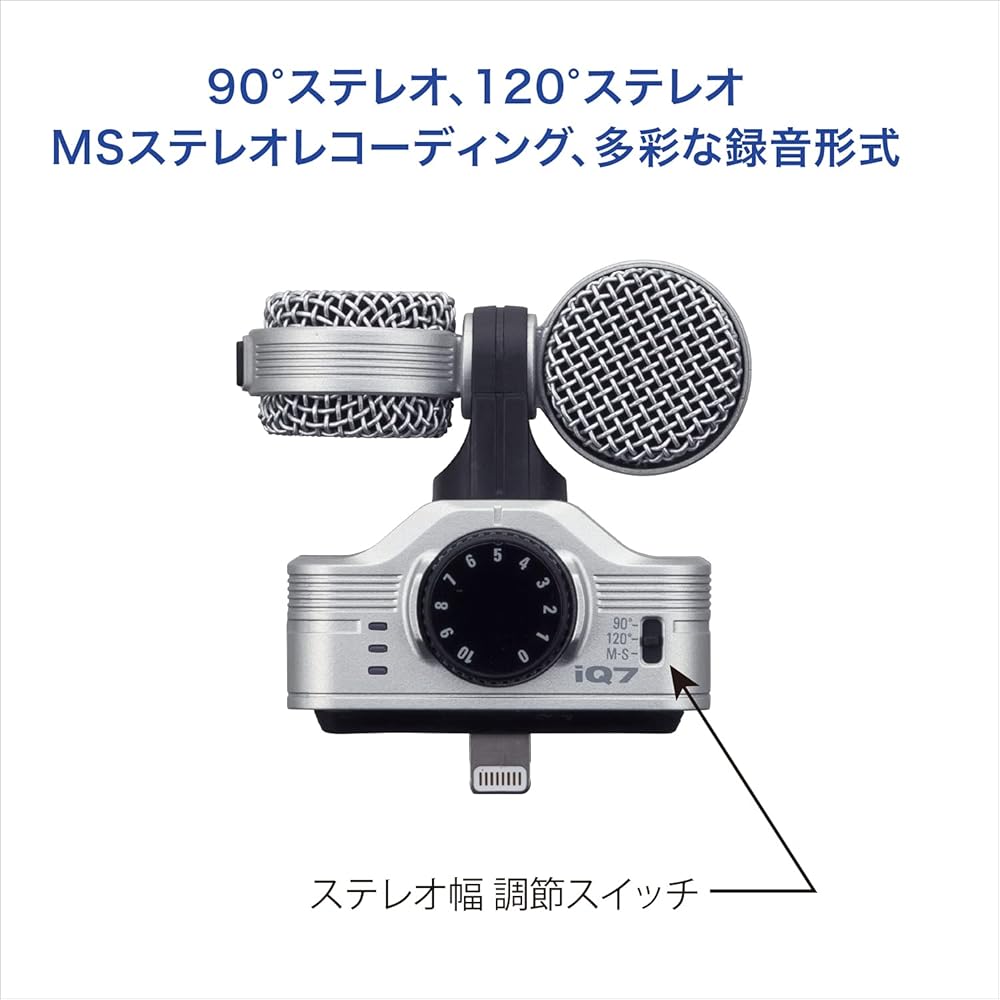
A mid-side stereo microphone that combines a unidirectional Mid microphone that picks up sound in the front direction and a bidirectional side microphone that picks up sound from both sides is used.
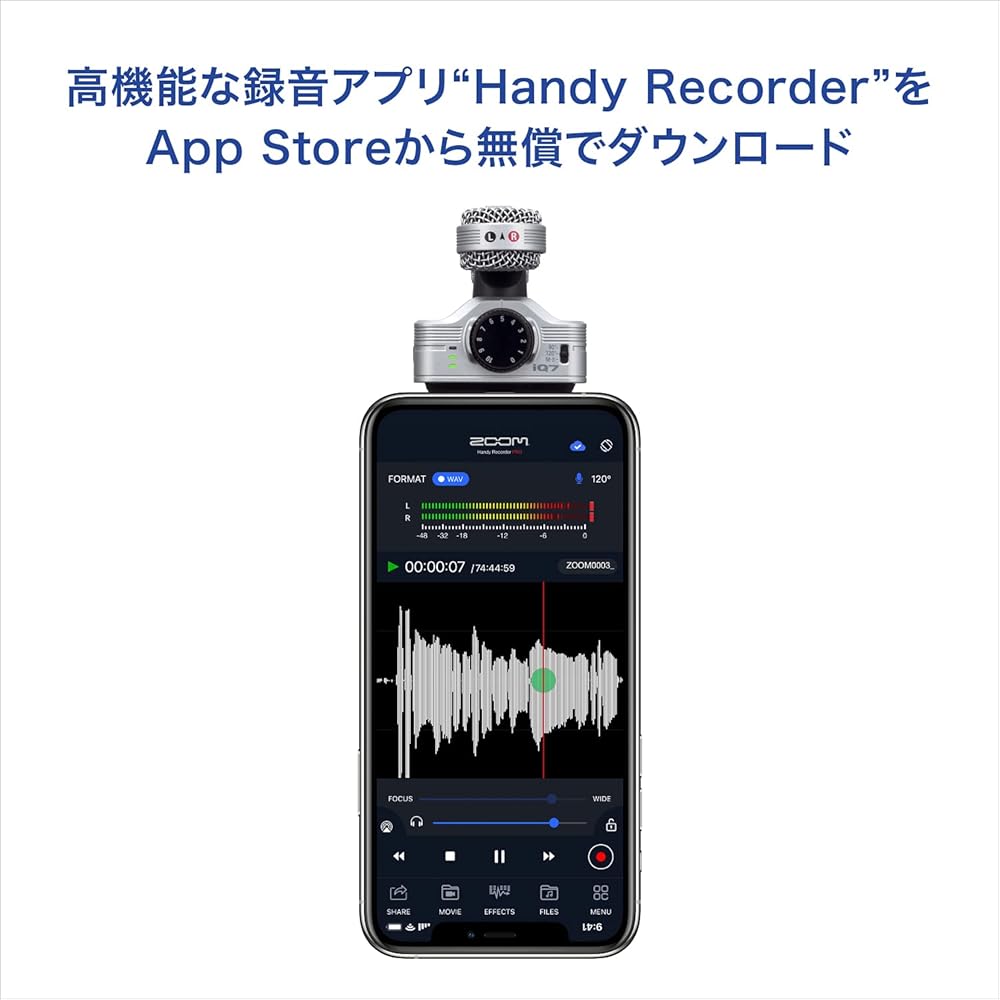
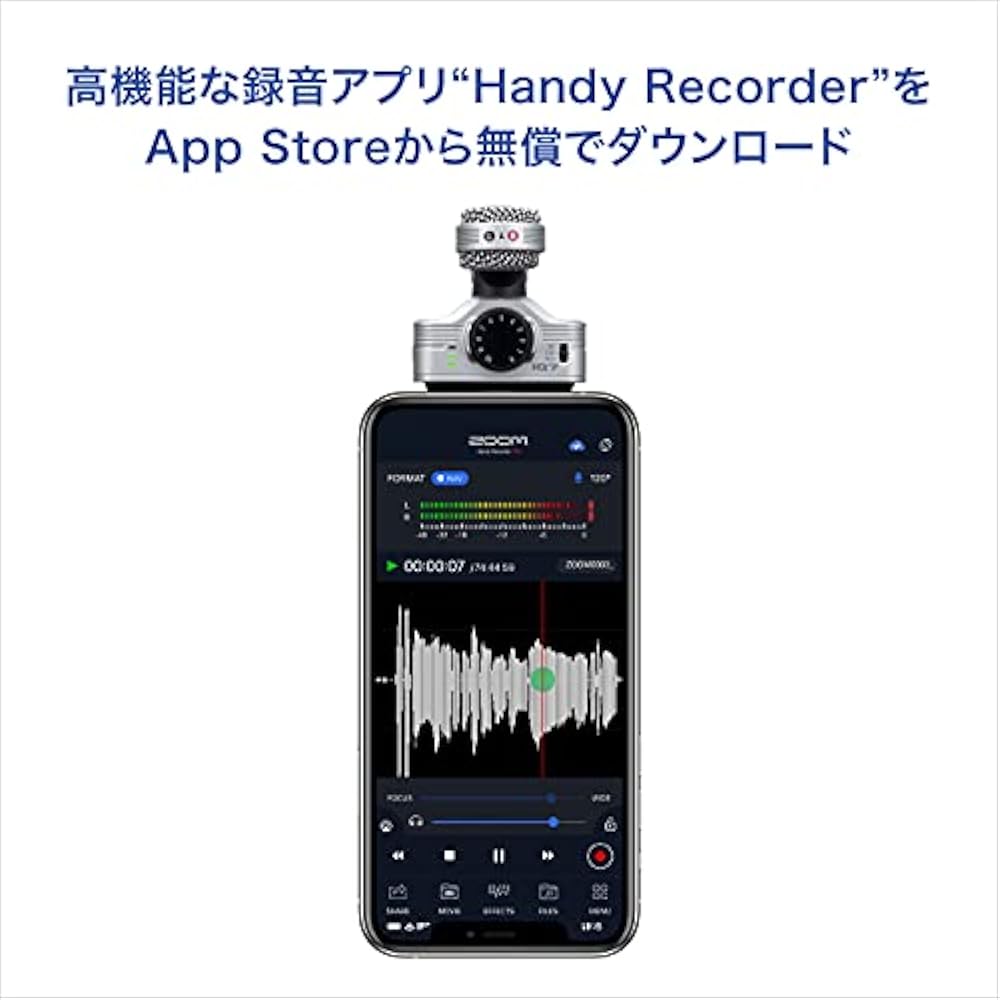
High quality microphone with a lightning connector type that connects to an iPhone/iPad/iPod touch By adopting the MS microphone system, stereo width can be controlled. The microphone rotation mechanism makes it possible to use it as an audio microphone when shooting iPhone videos. Sound files can be edited with the free high-performance dedicated application HandyRecorder, and direct audio monitoring without delay is possible ( (Only when using HandyRecorder) Equipped with an adjuster that can be attached while the iPhone case is attached
By simply connecting to an iPhone or iPad with Lightning, the mobile microphone “ZOOM iQ7” achieves clear, three-dimensional sound quality that you wouldn't think of as a smartphone recording. An MS (Mid-Side) stereo microphone is used, and a natural sense of realism and direction can be freely controlled. Since the stereo width can be changed according to the recording scene, it is useful for various purposes such as talks, live performances, street interviews, etc. Also, it is compatible with the latest iOS 17/ iPadOS 17, so you can use it with confidence even with current devices. There is no need for any difficult settings, just plug it into the Lightning terminal and start recording.


 Geld zurück bei Nichtlieferung





![Zoom iPhoneiPodiPad-Mikrofon, leichtes, kompaktes XY-Stereomikrofon für Lightning-Anschluss [3 Jahre erweiterte Herstellergarantie enthalten]](https://img.joomcdn.net/f0d79bf41f771a2b1f888ea4855c31fbf80d5c84_100_100.jpeg)