----------------------------------------------------------------------
【Voltage Compatibility】
When using electrical appliances, please note that they are designed for Japanese voltage specifications (90-110V), so if you use them with a different voltage, it may cause a malfunction.
【Plug Type】
Our products use Japanese plug types (A or B type).
Please use a conversion adapter if necessary.
【Important Note on Transformers and Adapters】
A transformer adjusts voltage to match your device’s requirements.
A conversion adapter only changes the plug shape and does not adjust voltage.
Using only a conversion adapter without a transformer may result in damage to the product.
【Liability】
We are not responsible for malfunctions or damages caused by improper use, such as operating the product without a transformer.
----------------------------------------------------------------------
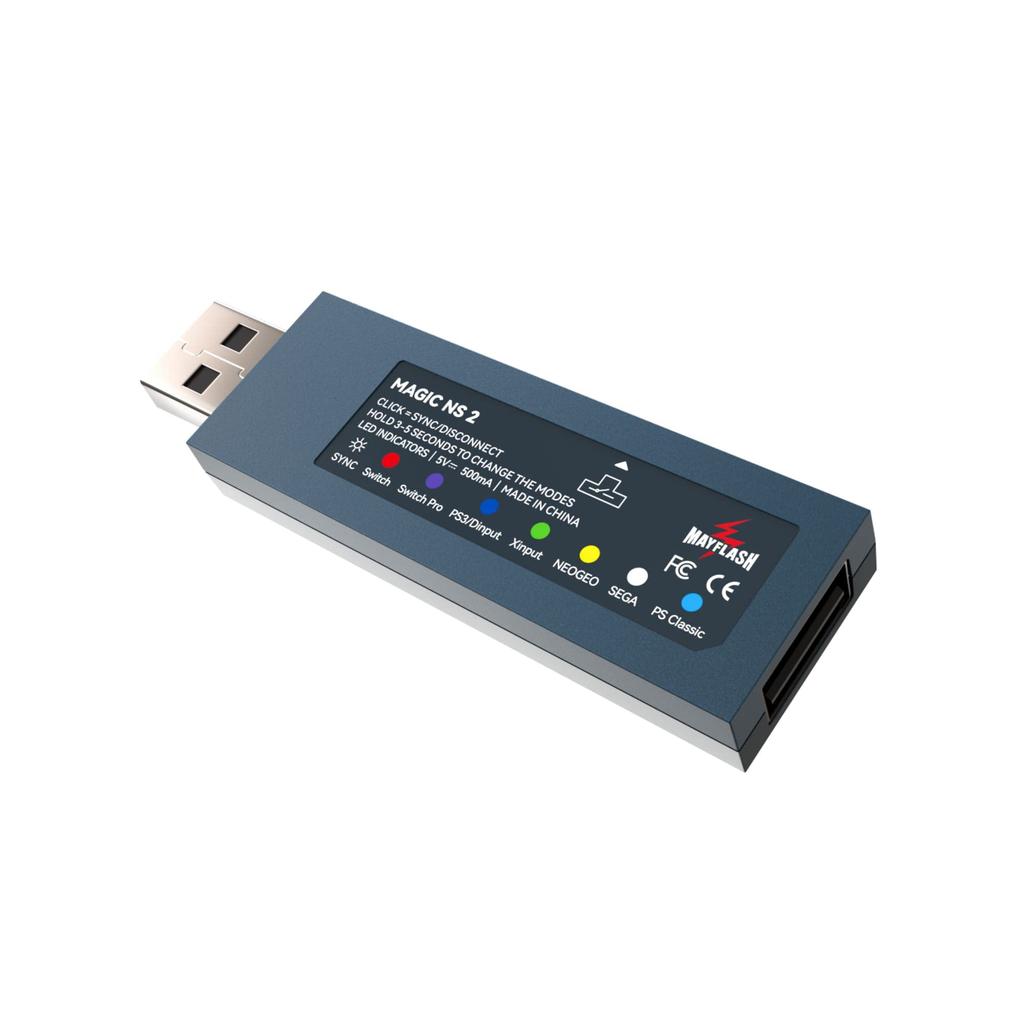
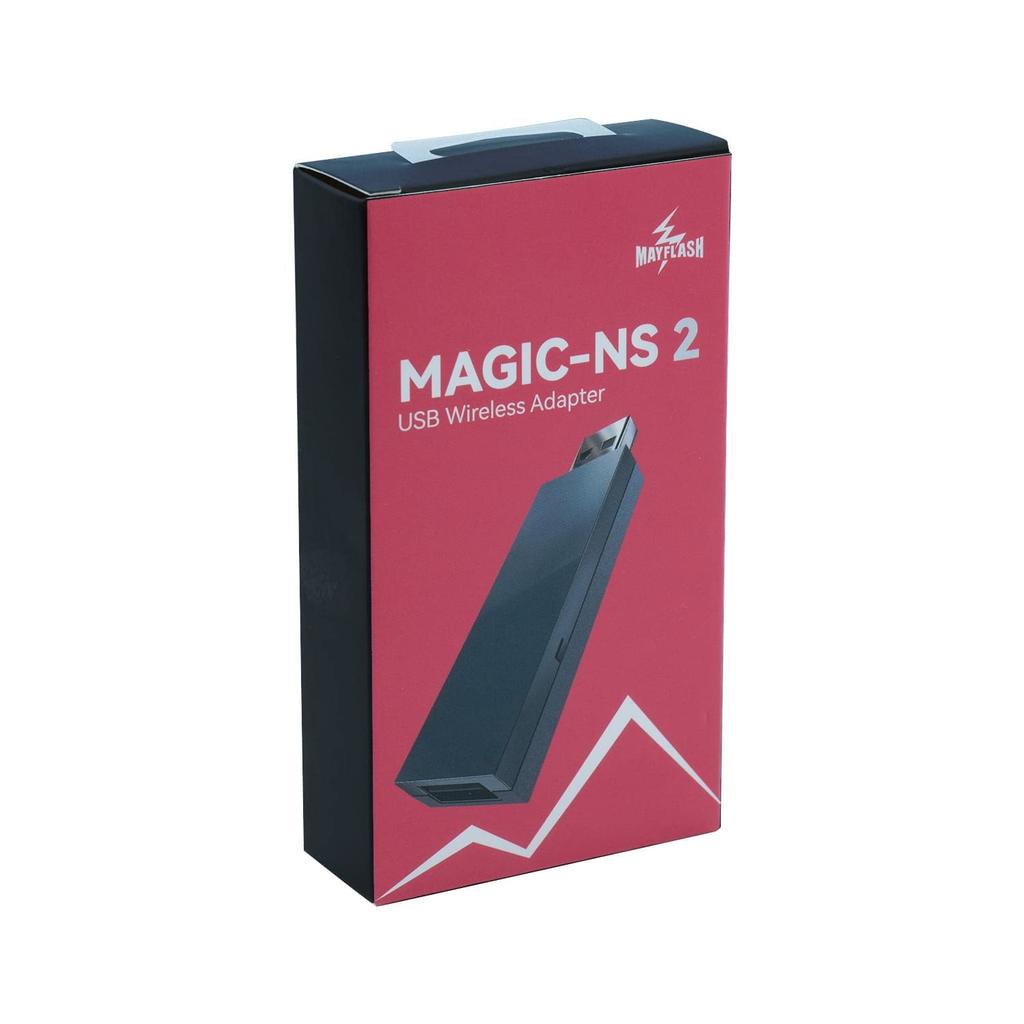
This is an upgraded version of Magic NS. Connect your controller to Switch, PC Windows, PS3, NeoGeo Mini, NeoGeo Arcade Stick Pro, PS Classic, Sega Mega Drive Mini, and Sega Genesis Mini Entertainment System. More consoles and controllers are now supported!
System Compatibility: Switch, PS3, Windows PC (X-input), Raspberry Pi, NEOGEO mini, SNK NEOGEO Arcade Stick PRO, PS Classic Mini, SEGA Genesis Mini, SEGA Mega Drive Mini, Sega AstroCity Mini. Please visit the official MayFlash website for compatibility details.
Controller Compatibility: PS5 DS controller, PS4 DS4 controller, PS3 DS3 controller, Switch Pro, C40 TR controller PS4, PS4 SCUF Vantage 2 controller, SEGAMEGADRIVE and SEGA Genesis Mini USB controller pad, Logi tech Rumble gamepad F510 and F310, PS Classic controller, Switch Tinker Drum, PS4 Tinker Drum, etc. Please visit the official MayFlash website for more details on compatibility.
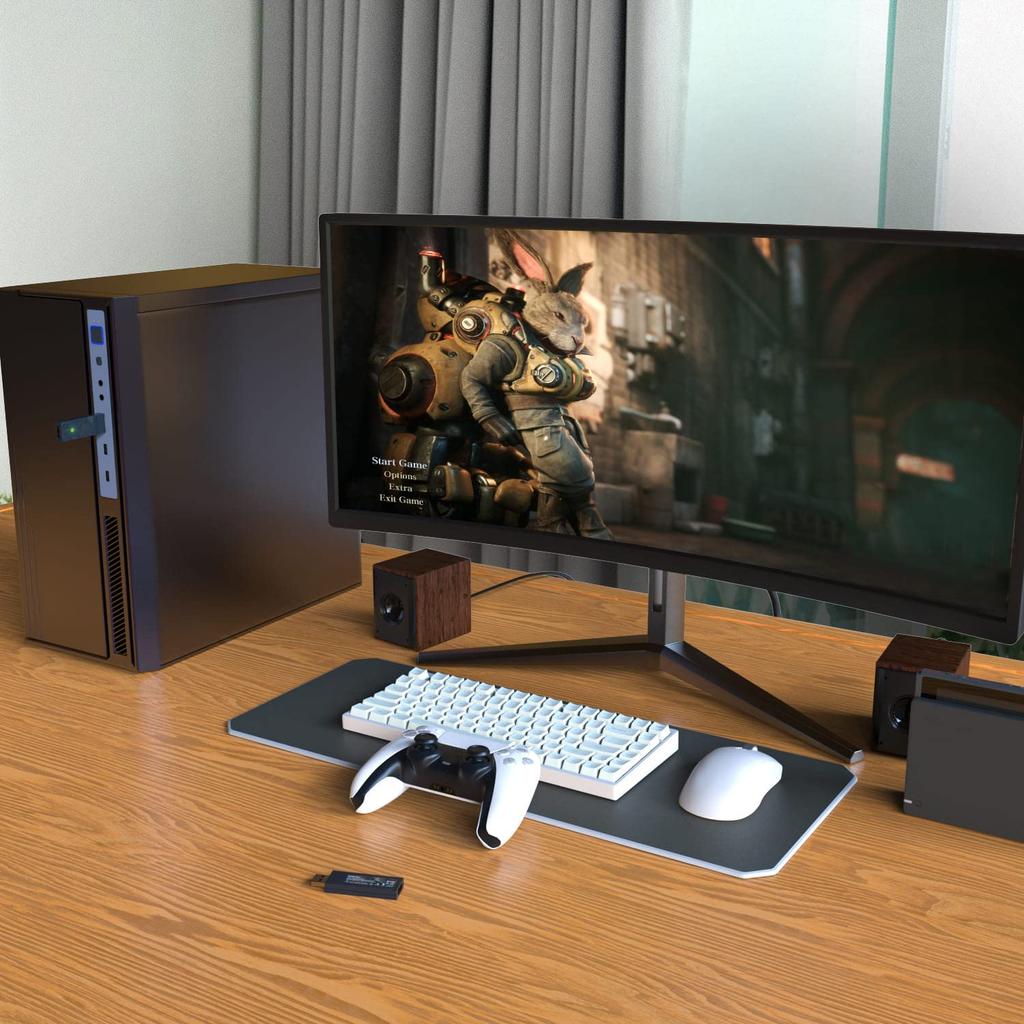
Plug and play: No need to install any programs or drivers, just plug it in and use it.
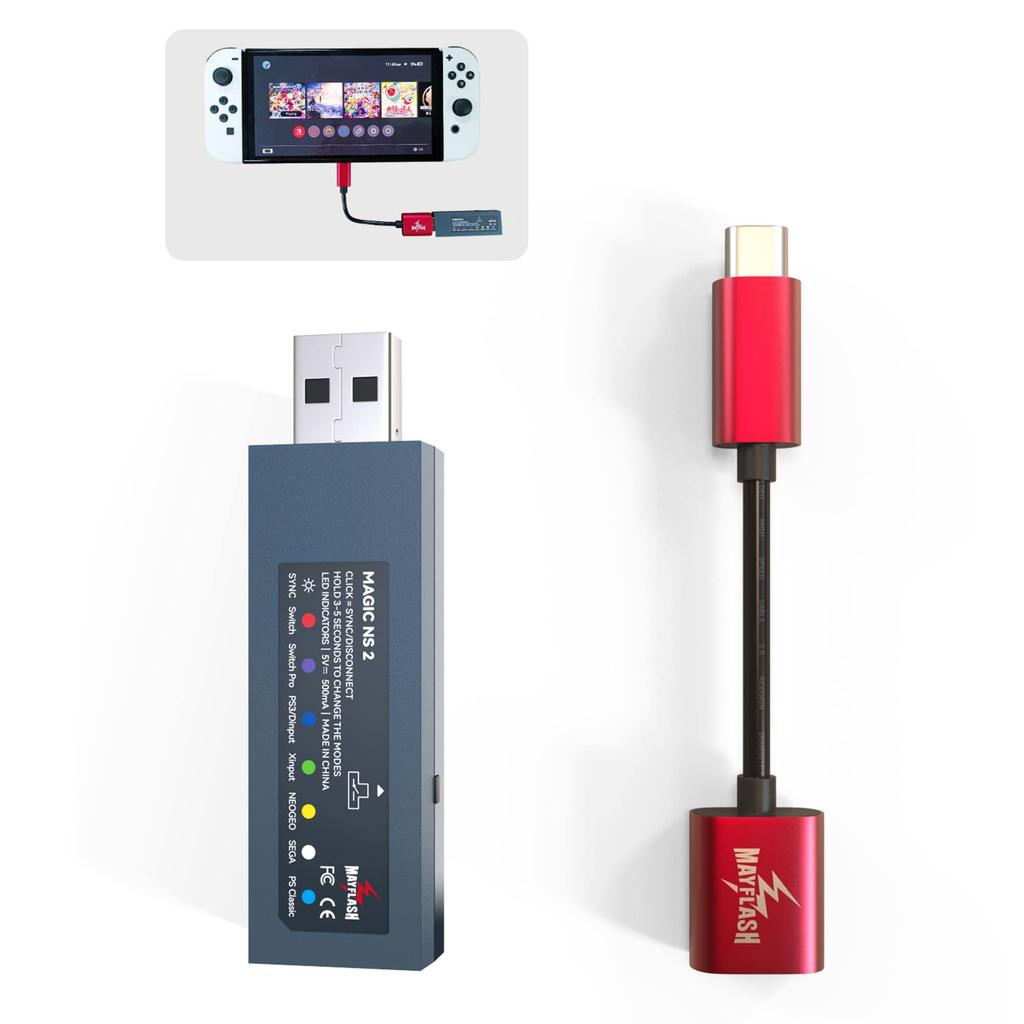
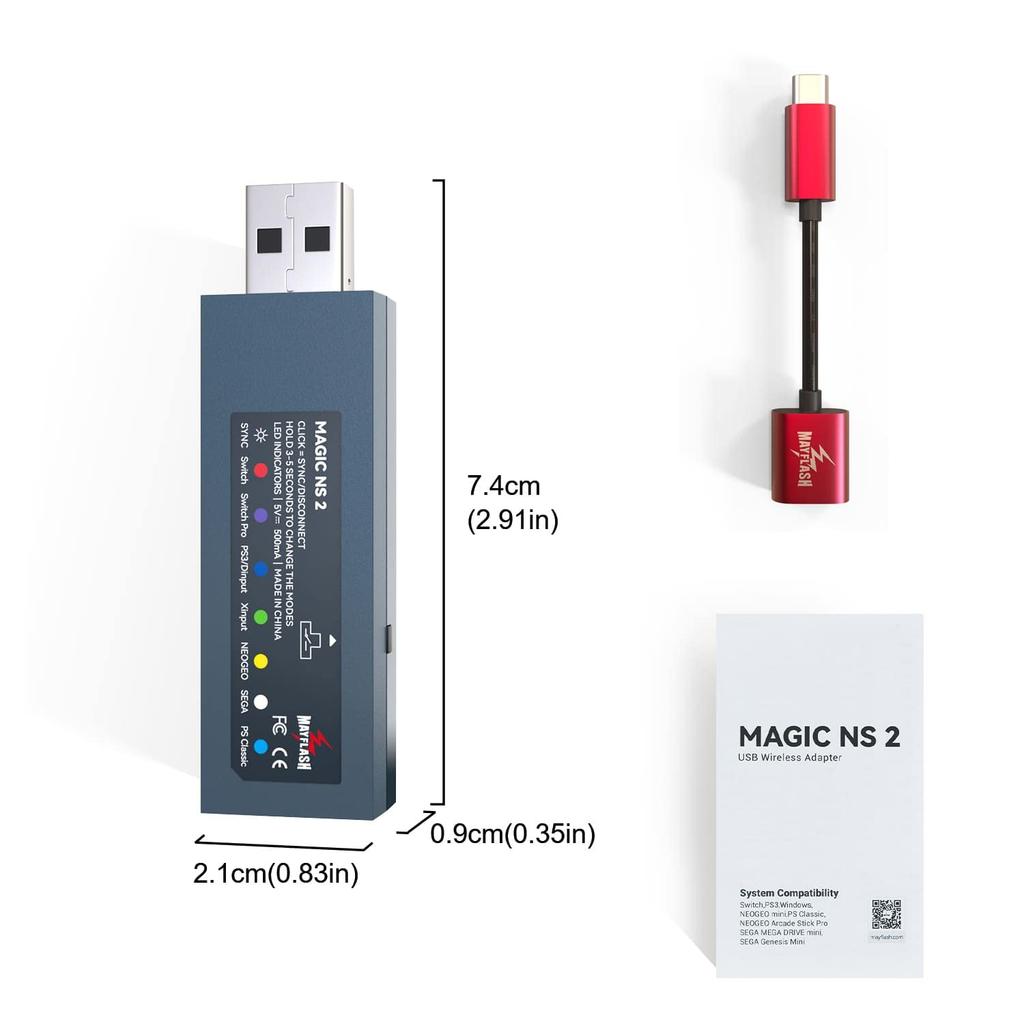
Package contents: Magic-S NS 2 adapter, 1x OTG cable, 1x instruction manual (English version). Please download the Japanese instruction manual from the product details page (Product Guides and Documents).
Product Description:
This is an upgraded version of Magic-NS. Connect your controller to Switch, PC Windows, PS3, NeoGeo Mini, NeoGeo Arcade Stick Pro, PS Classic, Sega Mega Drive Mini, and Sega Genesis Mini Entertainment System. More consoles and controllers are now supported!
- Supports most official controllers.
-Supports 6-axis motion for Switch and vibration for Switch (Switch Pro mode only, purple LED), PC (X-input), and PS3.
-7 levels of adjustable vibration intensity and deadband settings are available.
- Support button remapping. Buttons A, B, X, Y can be swapped according to your gaming habits.
-For compatibility, please refer to the list below or visit the official MayFlash website for more information. Comes with a customized high-quality USB Type-C cable.
- Firmware upgradeable: Download the latest firmware from MayFlash official website.
System Compatibility:
-Switch, PS3, Windows PC (X input), Raspberry Pi, NEOGEO mini, SNK NEOGEO Arcade Stick PRO, PS Classic Mini, SEGA Genesis Mini, SEGA Mega Drive Mini, Sega Astro City Mini.
Controller Compatibility:
-Controllers: PS5 DS controller, PS4 DS4 controller, PS3 DS3 controller, Xbox Series X|S, Switch Pro, Switch Joy Con, Wii Remote, WiiUPro.
-Wired USB Controllers: PS5 DS Controller, PS4 DS4 Controller, PS3 DS3 Controller, Switch Pro, C40 TR Controller PS4, PS4 SCUF Vantage 2 Controller, SEGA MEGA DRIVE and SEGA Genesis Mini USB Controller, Logi Tech Rumble Gamepad F510 and F310, PS Classic Controller, Switch Drum, PS4 Drum.
Please note:
-One Magic-NS 2 adapter only supports a maximum of one controller. Please update to the latest firmware before use.
-Two controllers can be connected at the same time, but both have the same functions, and one game character can only be played on one of the two controllers.
-We recommend using genuine official controllers and quality-certified USB cables. We do not support third-party products.
-If this is your first time using any controller, we recommend you first connect it via wired connection and then remove the USB cable once it is successful.
-Pairing an Xbox Elite 2 controller may take longer than other controllers. Please wait a few moments until the indicators on the controller and adapter stop flashing.
-For Switch, make sure "Settings > Controllers and Sensors > Pro Controller Wired Communication" is set to "On." For Switch-Lite, an OTG cable is required (included).
-For wired connections, use a quality-certified USB cable.
Package includes:
1x Magic-S NS 2 Adapter
1x OTG cable
1x Instruction Manual




 Geld zurück bei Nichtlieferung

![Mayflash MAGIC-S PRO 2 Kabelloser Controller-Adapter für PS4, PS3, Switch, Neogeo Mini, macOS, SEGA PS Classic & PC [Offizielles japanisches Produkt]](https://img.joomcdn.net/8b34fce90f4cf42e6b538fea986d3478783a6d70_100_100.jpeg)
![Mayflash MAGIC-NS Kabelloser Controller-Adapter für Switch, Switch2, Neogeo Mini, PS3 und PC [Offizielles japanisches Produkt]](https://img.joomcdn.net/fa19321e54027b9e7699102c8ff70b5243e77b9e_100_100.jpeg)







![Buffalo mit Magnet BSH4U325U3BK USB-A 3.2Gen1 Busgespeister 4-Port-Hub, schwarz, Top-Insertion-Modell, [Windows/Mac-kompatibel]](https://img.joomcdn.net/c5a396d0be8b39bffca68c13d061961b90b4e182_100_100.jpeg)