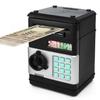
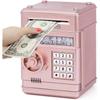
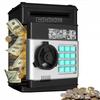
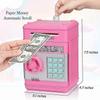
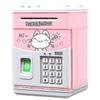
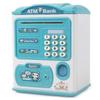
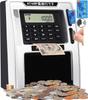
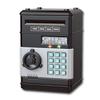
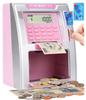
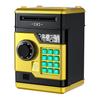
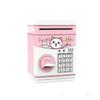
Electronic ATM Money Safe Piggy Bank With Passoword Gift for Kids Description
How to use:
1.Enter four-digit password(default 0000), after done, a green light turns out. If you enter the wrong password, the red light will be illuminated. The Money Safe will remind you "please try again".
2.Rotate the knob clockwise to open the door. Green light shines for about 10 seconds, you will hear a creaking sound. If the door open for more than 10 seconds, the green light stops flashing, keep beeping sound every 20 seconds. Close the door to stop the beeping sound.
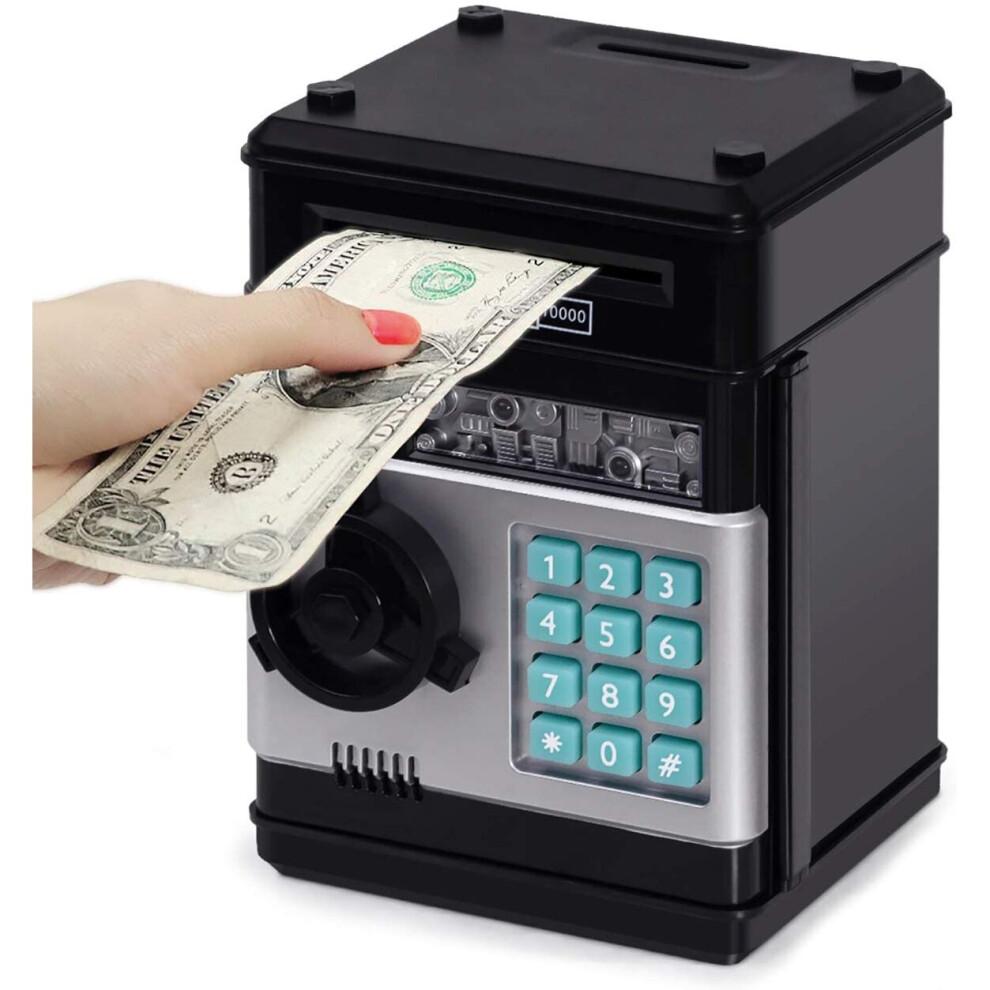
3.Insert the coins from the coin slot on top of the bank and when you deposit banknotes, it will suck the money instead of sliding it in. Then press the password to withdraw money.
Forgot your password?
In any case, if you forget your password, just take out the batteries, wait for at least 10 mins and restart, the password returns to "0000".
Package Included:
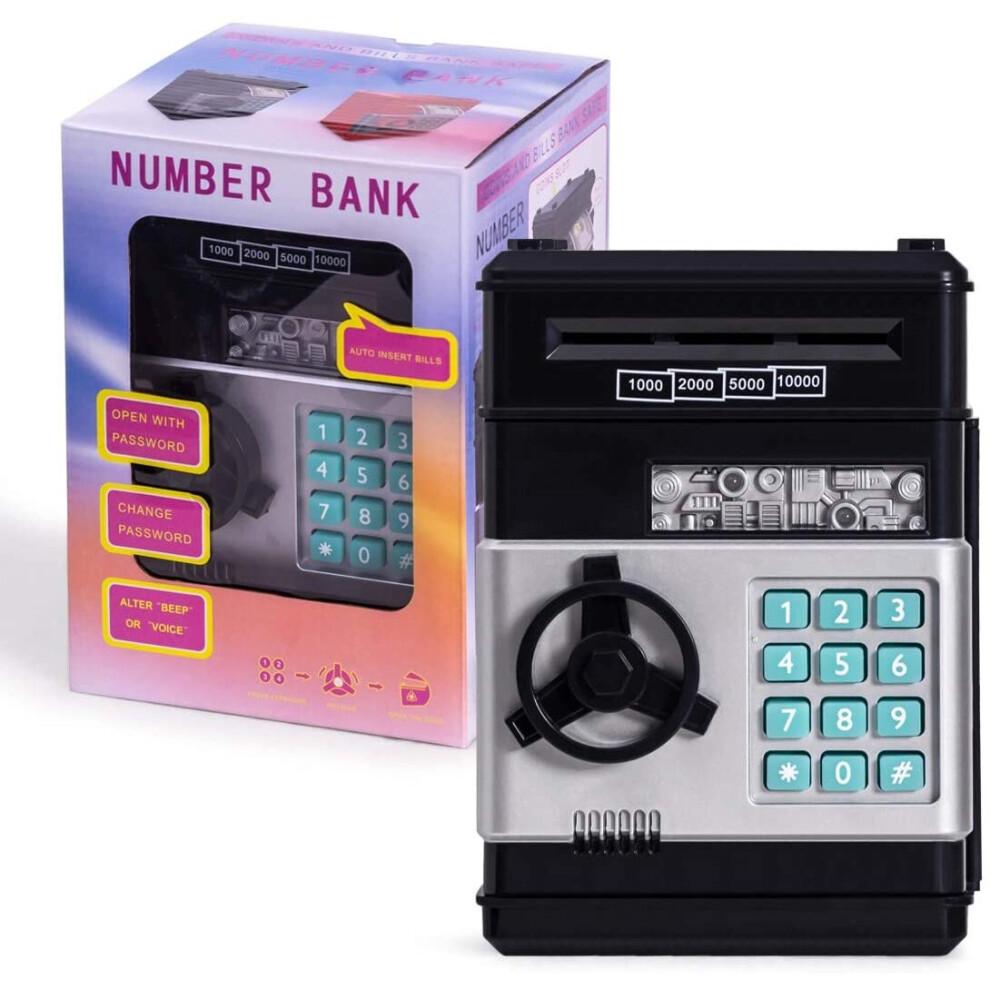
✔ 1 x Cartoon Password Piggy Bank
✔ 1 x English User Manual
How to change password:
Step 1
Enter four-digit password(default 0000), the green lights. Rotate the knob clockwise to open the door.
Step 2
Hold down the "*" button, the red light flashes.(hold the * button not to loosen)
Step 3
Enter the new 4-digit password within 15 seconds, then press # button and the light stops flashing.
Step 4
Release the "*" button, change password successfully, close the door.
Beeps Sound/Voice Mode
If the piggy bank is in the BEEPS SOUND mode, you can enter 4 digits in a row. If the piggy bank is in VOICE mode, each input digit will have a VOICE prompt "password please", please enter a number after each prompt. The mode selection button is located inside the door of the insurance cabinet.



 Geld zurück bei Nichtlieferung