----------------------------------------------------------------------
【Voltage Compatibility】
When using electrical appliances, please note that they are designed for Japanese voltage specifications (90-110V), so if you use them with a different voltage, it may cause a malfunction.
【Plug Type】
Our products use Japanese plug types (A or B type).
Please use a conversion adapter if necessary.
【Important Note on Transformers and Adapters】
A transformer adjusts voltage to match your device’s requirements.
A conversion adapter only changes the plug shape and does not adjust voltage.
Using only a conversion adapter without a transformer may result in damage to the product.
【Liability】
We are not responsible for malfunctions or damages caused by improper use, such as operating the product without a transformer.
----------------------------------------------------------------------
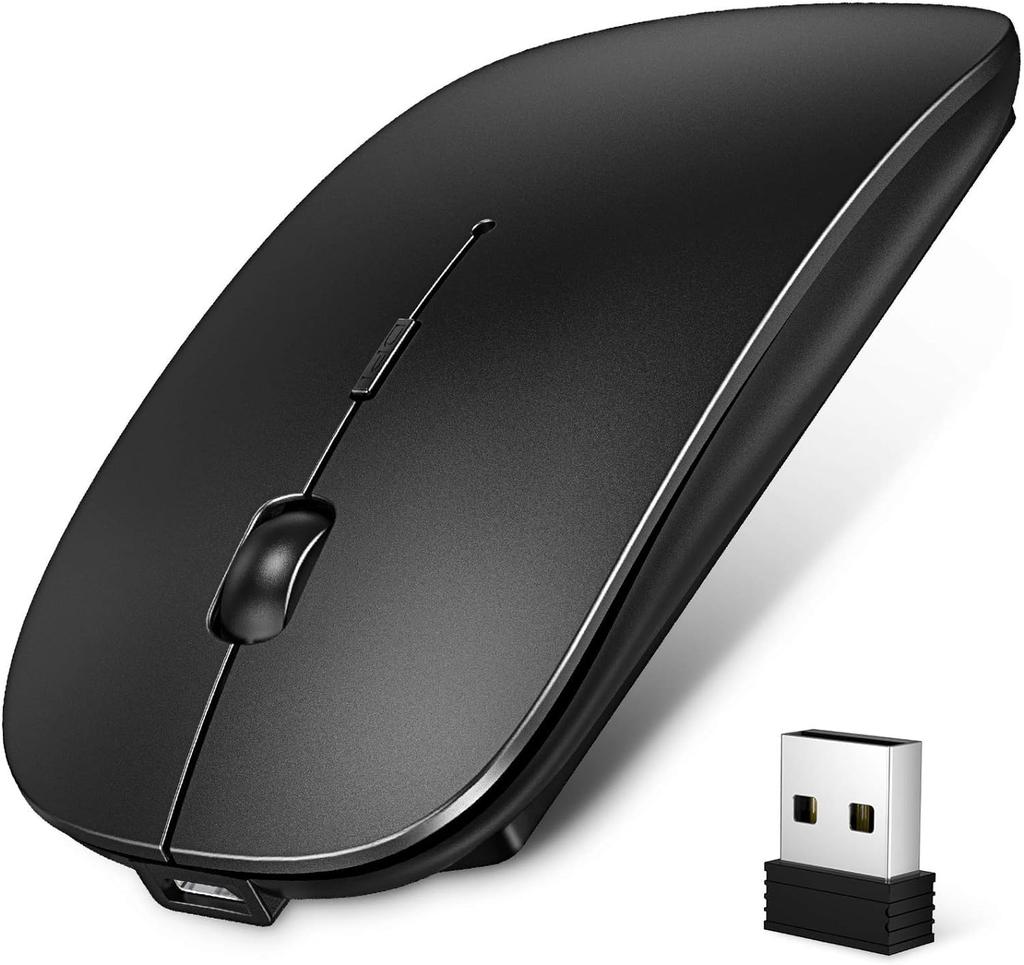
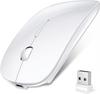
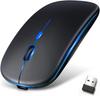
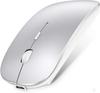
【3-Stage DPI Switching】With three adjustable DPI settings, you can freely control the mouse speed. 800 DPI is ideal for editing and design, while 1200 DPI and 1600 DPI are perfect for precise work such as gaming (FPS) and illustration. Easily change the cursor movement speed to satisfy both work and gaming needs.
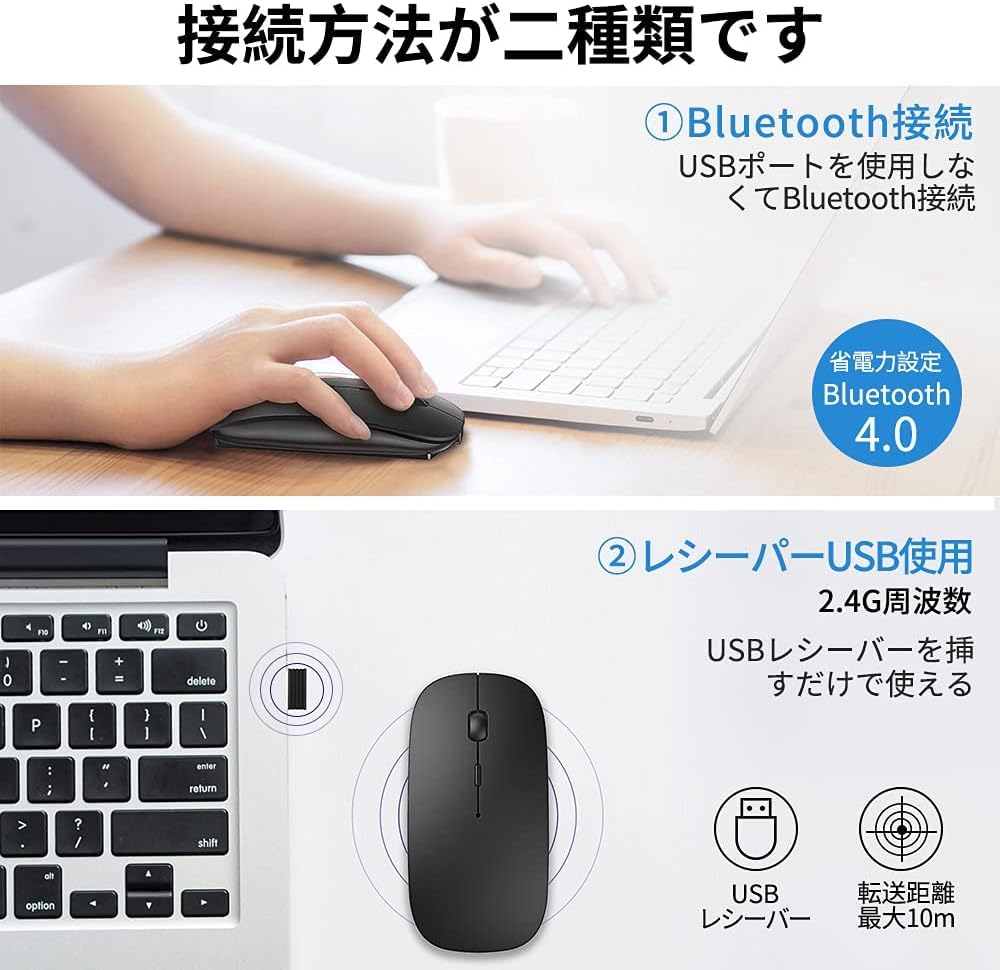
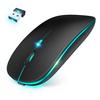
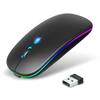
【Mature Wireless Communication Technology】Utilizing 2.4GHz wireless technology and Bluetooth 5.0 technology, it provides more accurate tracking and faster response, offering a strong and stable wireless connection. Free yourself from cables and move freely up to 10m. It comes with a mini receiver, requires no drivers, and is an easy-to-use wireless mouse.
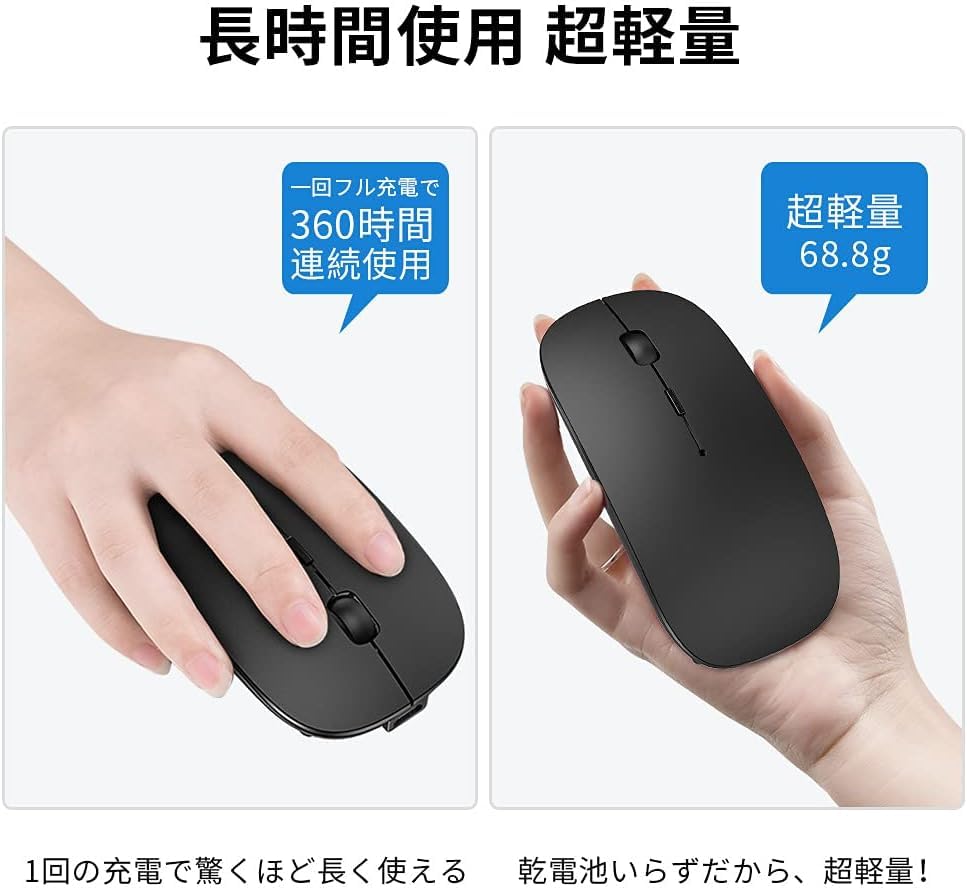
【Ergonomic Design & Silent Operation】 This compact, cordless mouse features a silent switch, making it ideal for use even when noise is a concern. Suitable for both office and home use, it won't disturb others. Its ergonomic design ensures comfortable use even during extended periods.
【Slim/Highly Durable】This wireless mouse can withstand 5 million clicks. It has a premium matte finish, is lightweight, thin, and feels great to the touch.
【Wide Compatibility & Quality Guarantee】Compatible with devices equipped with Bluetooth 4.0 or higher, including iPhone/iPad/Windows 7/8/10, Vista/Android/MAC OS/Linux, etc. If there are any initial defects, malfunctions, damage, or other problems within the normal range of use, please contact our customer service directly. To contact us: Go to your order history → access the product page you purchased → click on "OO (store name)" under "Sold by OO" → ask your question. We will do our best to provide you with warranty service. We strive to ensure your satisfaction!
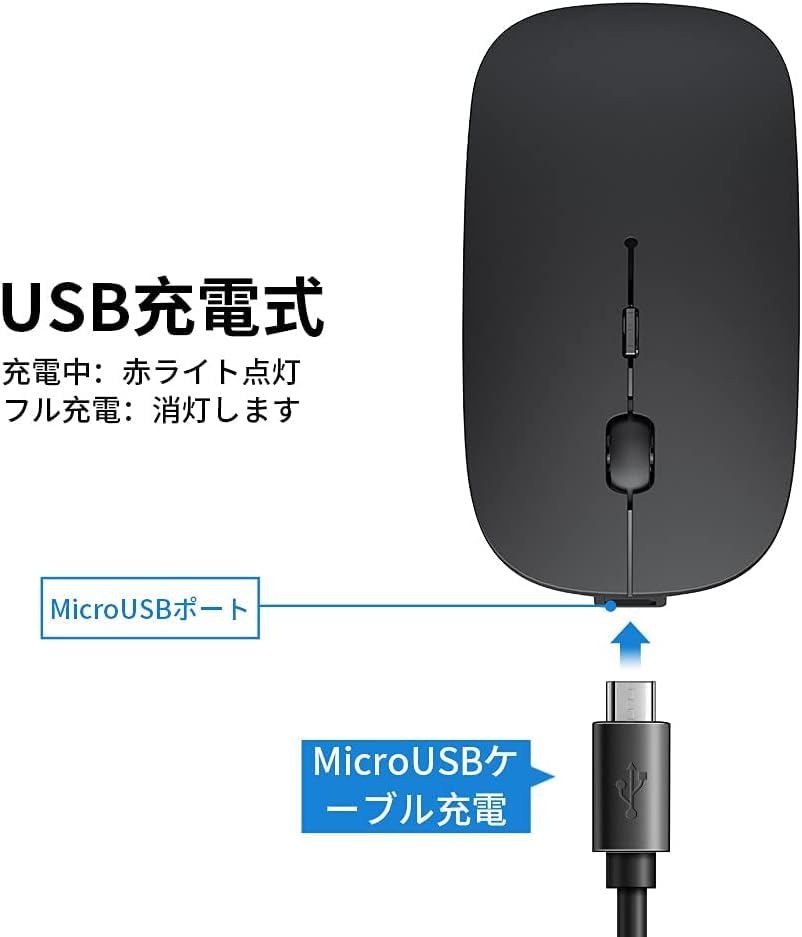
Frequently Asked Questions: ① Regarding the blue light, it only lights up briefly when connecting; it is not constantly lit. ② Regarding the receiver, please note that the receiver is stored on the back of the mouse. ③ Regarding connection, you need to switch the OFF button on the back of the mouse depending on the connection mode. For USB receivers, move the switch to the right, to "2.4G"; for Bluetooth, move the switch to the left, to "Bluetooth," and then press and hold the blue "Bluetooth connection button" for 2-3 seconds to pair. Note: If you have any questions about using the product, please click on the store name and ask your question; we will respond promptly, so please rest assured.
Wireless Mouse



 Geld zurück bei Nichtlieferung




![Bluetooth Maus Neu Leicht und DPI Kompatibel mit und PC [2025 Slim] Kabellos, Leise, Optisch, Hochpräzise, Typ-C, Wiederaufladbar, Klein,](https://img.joomcdn.net/5e4710461b5d415279c0fa9acb9bb65c6d610e49_100_85.jpeg)


![[2026 Neues Modell - Typ-C & USB-A Verbindungsmodi] Bluetooth Typ-C Wiederaufladbare Kabellose Maus, 2,4GHz Optisch, 3 DPI Umschaltbar, Leise, Schlank,](https://img.joomcdn.net/633a3a982ec3d0003039d754345cdb73f36dfbf5_100_100.jpeg)
![Für 2025 Bluetooth-kompatible [Neu - Ultradünne] Maus, Kabellos, Leise, Hohe Präzision, Optisch, Typ-C Wiederaufladbar, 3-stufige DPI, Kompakt,](https://img.joomcdn.net/691739620e31256c41bfa66e91856002989409de_100_100.jpeg)